
PowerPoint
High school students need practical Microsoft Office skills to stand out in college applications and future careers. These seven PowerPoint project ideas teach real-world presentation techniques while building confidence and creativity.
Personal Branding Portfolio Presentation

Stand out from the crowd by creating a Personal Branding Portfolio that turns your resume into a dynamic story. Unlike generic applications, this PowerPoint project lets you showcase your unique strengths, skills, and career aspirations using visual storytelling—exactly what employers look for in job candidates.
Use PowerPoint’s morph transitions to animate your timeline (e.g., high school → college → dream job), embed short video clips of you explaining your passions, and design interactive infographics comparing your skills to industry needs. The SmartArt tool helps visualize your strengths—like turning "leadership" into a flowchart of team projects—while icons and bold typography keep the design modern and professional.
Perfect for students in business, communications, or creative fields, this project builds confidence while teaching data-driven storytelling—a skill that’ll impress admissions officers and future employers alike. 💡
Historical Event Simulation with Interactive Timeline
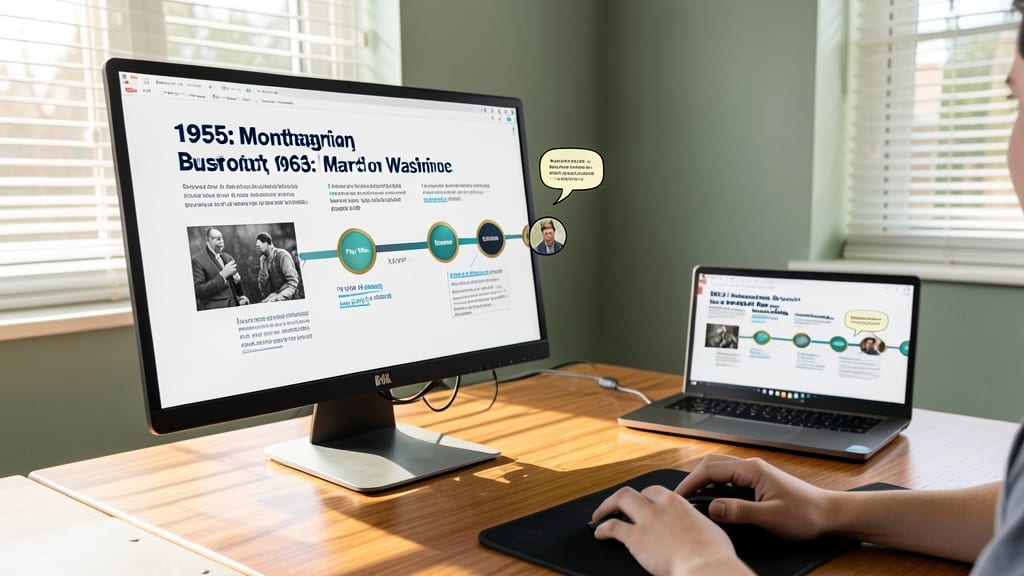
Turn dry history lessons into immersive experiences with an interactive timeline that lets students explore events like the Civil Rights Movement or World War II through embedded videos, clickable hyperlinks, and multimedia annotations.
Using PowerPoint’s insert video and action buttons, students can add period footage, primary source documents, and clickable hotspots that reveal deeper context—like connecting a 1963 protest photo to a live newsreel clip or linking a treaty document to its historical impact. The Morph transition feature smoothly animates between decades, while hyperlinked slides let users jump between causes, key figures, and consequences.
Perfect for history buffs, future journalists, or teachers looking to modernize lessons—this project proves that history isn’t just memorization, but an explorable story. 💡
Science Experiment Demonstration with Step-by-Step Animations
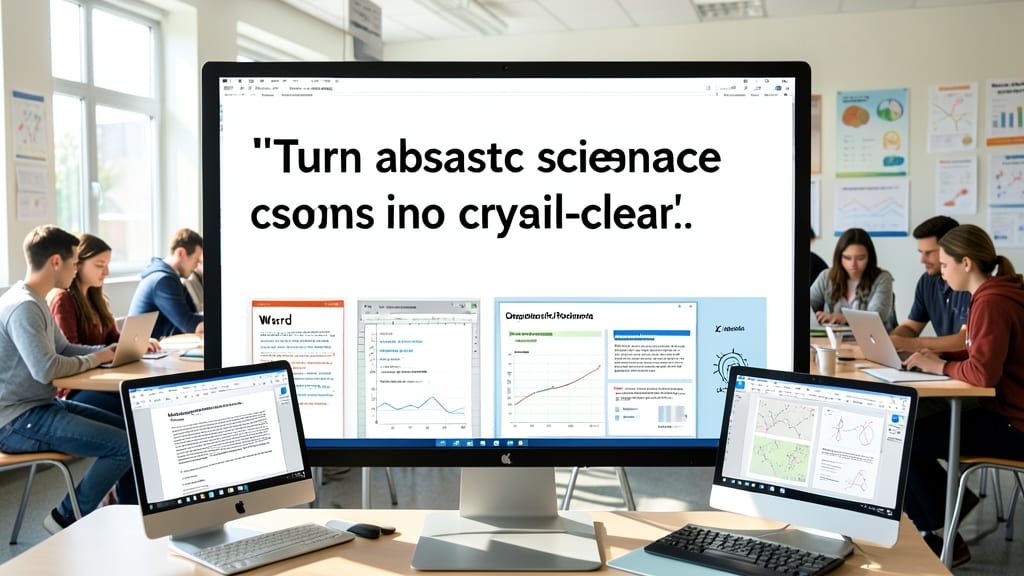
Turn abstract science concepts into crystal-clear demonstrations with PowerPoint's built-in Morph transitions and custom animation tools. This project lets students create interactive walkthroughs of experiments—like showing chemical reactions frame-by-frame or illustrating physics principles with dynamic visuals.
Use smart art graphics to label equipment and timelines to sequence steps, while trigger animations (like clicking to reveal results) keep audiences engaged. The Zoom feature lets you highlight key moments, and morph animations smoothly transition between states—perfect for showing before/after comparisons in biology or chemistry.
Ideal for future STEM majors or anyone nervous about public speaking, this project builds confidence by turning technical details into visually intuitive stories. 🌟
Community Service Impact Report with Data Visualization

Turn volunteer work into a data-driven success story with a PowerPoint project that teaches real-world analytics skills. Instead of just listing hours logged, students create interactive dashboards showing how their efforts solve community problems—like food drives, tutoring programs, or environmental cleanups.
Use PowerPoint’s insert charts feature to visualize metrics like hours per month, volunteers recruited, or funds raised. Add before/after photos (e.g., a park before/after cleanup) and progress bars to show impact over time. The SmartArt tool lets students design infographics comparing their group’s progress to goals—like turning 50 volunteer hours into 100 pounds of food collected.
This project is perfect for students in community service clubs or career readiness courses, especially those eyeing fields like data science, nonprofit work, or project management. It proves they can turn numbers into compelling stories—skills future employers value. ✨
Book Character Analysis with Mood Board Integration

Tired of book reports that feel like homework drudgery? This project transforms literary analysis into a visual masterpiece by blending text quotes with interactive mood boards—think Pinterest meets PowerPoint.
Students can use PowerPoint’s Morph transitions to animate character growth alongside a collage of colors, symbols, and imagery that represent their themes. For example, a dark blue palette with jagged lines might symbolize a character’s internal conflict, while embedded audio clips of key scenes bring analysis to life. The Insert > Icons and Shapes tools let students create custom visual metaphors without needing design skills.
Perfect for English classes or creative writing clubs, this project helps students see literature as a multisensory experience—great for visual learners or future designers. ✨
Future Career Exploration with Industry Comparison
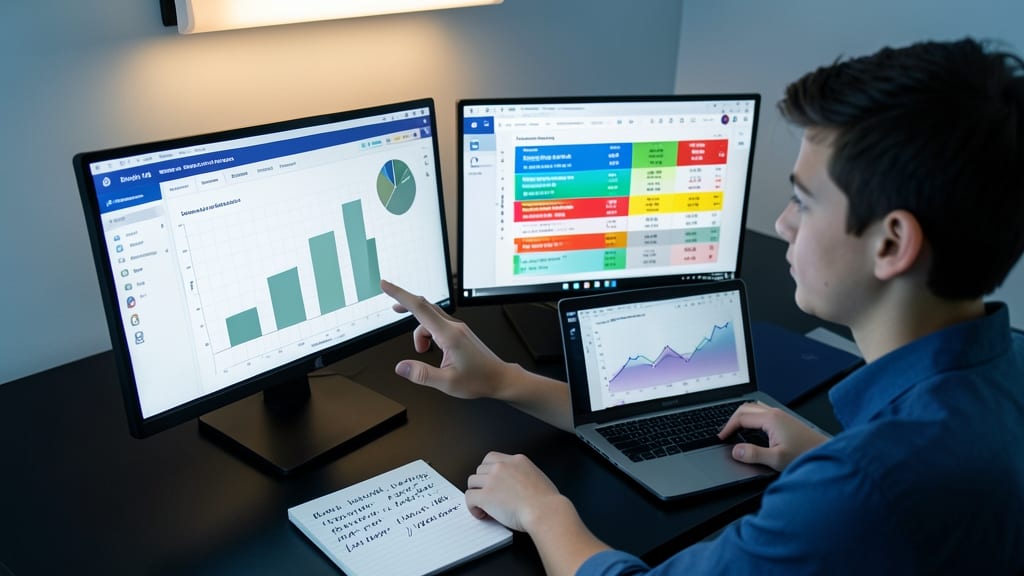
Ever wondered how your future career stacks up against others? This interactive industry comparison project lets students explore real-world data—like average salaries and job growth rates—while comparing education requirements side by side.
Using PowerPoint’s tables and charts, students can visualize how fields like computer science (median salary: $97,000) compare to graphic design (median: $53,000), complete with interactive buttons linking to job outlook sources. The side-by-side layout forces critical thinking about trade-offs between education time and earning potential.
Perfect for students unsure about their path—this project turns abstract career questions into data-driven decisions. 💡
School Project Pitch with Investor-Style Presentation
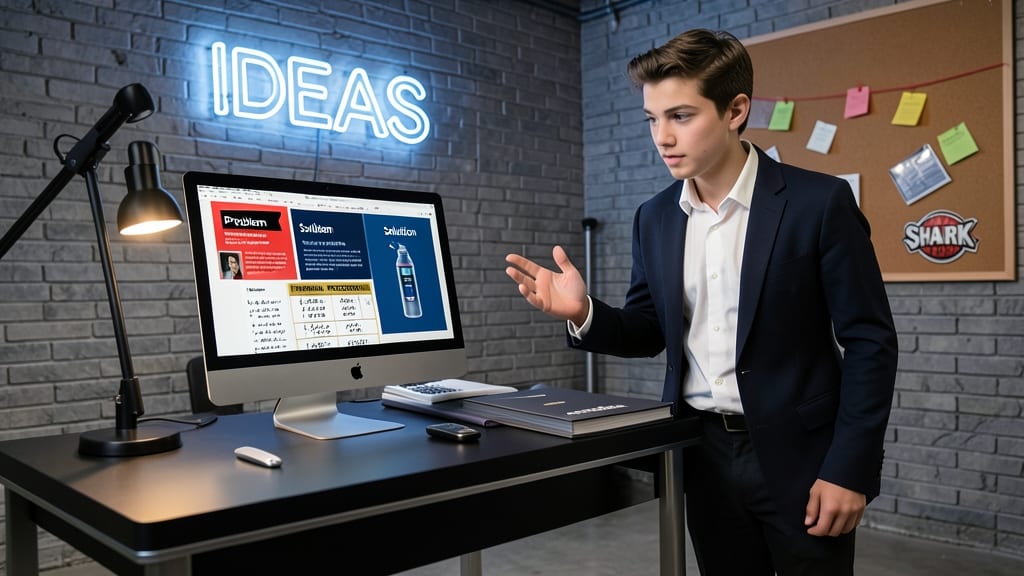
Ever wondered how to turn a school project into a Shark Tank-worthy pitch? This project transforms academic work into a high-stakes investor presentation, complete with financial projections and compelling storytelling—just like real entrepreneurs do. Students start by identifying a problem (like school cafeteria waste or lack of study spaces) and then design a 10-slide pitch deck using PowerPoint’s slide master templates and data visualization tools to present their solution.
Use Excel charts embedded directly into PowerPoint to show projected costs and savings, while Morph transitions animate key data points. The Presenter Coach feature helps refine delivery, ensuring students sound confident when "pitching" to classmates as potential investors. Bonus: Add a mock "investor feedback" slide where peers vote on the most convincing arguments.
Perfect for business, economics, or even science classes—this project teaches persuasive communication, financial literacy, and critical thinking, all while making schoolwork feel like a real-world challenge. 💡