Skip to content
Slide Tips

Slide Tips

  • All Articles
  • App
  • Coding
  • Hardware
  • More
    • Operating System
    • Outlook
    • PowerPoint
    • Review
    • Software
    • Tip & Trick
    • Troubleshooting
    • Windows

Operating System

10 Ways to Improve Cyber Security: Proven Tactics for Windows Users
October 13, 2026 by Wesley Zamora
10 Ways to Improve Cyber Security: Proven Tactics for Windows Users

Windows users face constant cyber threats, but these 10 proven tactics will significantly strengthen your digital defenses. From simple settings tweaks to advanced protection strategies, this guide covers actionable…

Read more

Categories Operating System

Adobe Flash Player 15.0 Free Download: Secure Offline Installer for Legacy Systems

October 6, 2026 by Wesley Zamora
Adobe Flash Player 15.0 Free Download: Secure Offline Installer for Legacy Systems

Finding a free Adobe Flash Player 15.0 download is tricky—here’s how to get the official version safely without malware risks. If you're running older websites or legacy software that still needs Flash, you know how…

Read more

Categories Operating System

Can You Put an Alarm on Your Laptop: Built-In Tools and Third-Party Apps Compared

November 18, 2026 by Wesley Zamora
Can You Put an Alarm on Your Laptop: Built-In Tools and Third-Party Apps Compared

You can put an alarm on your laptop easily—just use built-in tools like Windows Alarms, macOS Reminders, or Linux timers, plus third-party apps for extra features. Native options are easy to set up, while apps unlock…

Read more

Categories Operating System

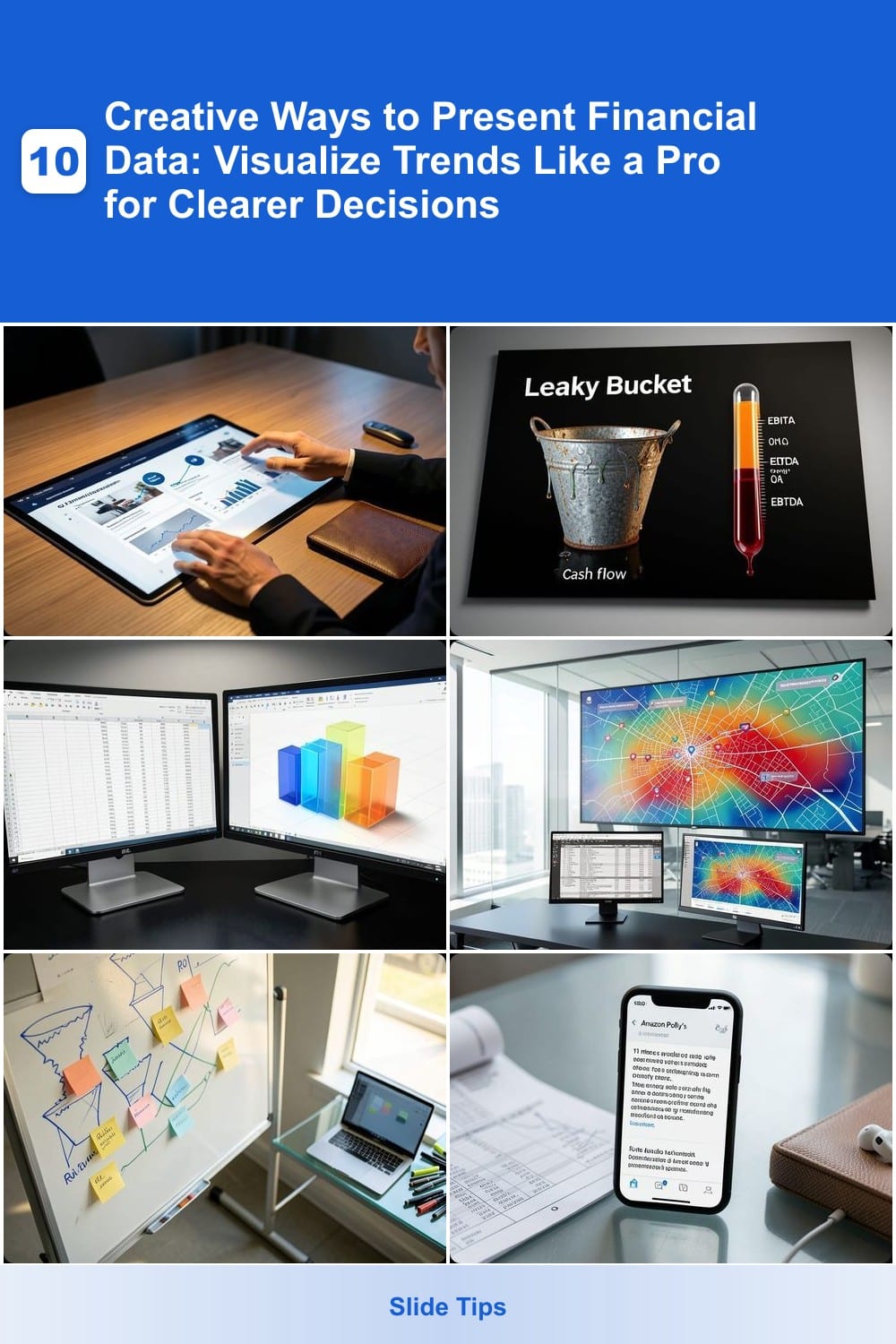
10 Creative Ways to Present Financial Data: Visualize Trends Like a Pro for Clearer Decisions

November 3, 2026 by Wesley Zamora
10 Creative Ways to Present Financial Data: Visualize Trends Like a Pro for Clearer Decisions

Drowning in spreadsheets and confusing charts? These 10 creative ways to present financial data transform complex numbers into intuitive visuals that drive better decisions and engage stakeholders—without requiring…

Read more

Categories Operating System

Download File From Remote Server To Local Machine: Zero-Latency Transfer With SFTP/SCP Commands

October 8, 2026 by Wesley Zamora
Download File From Remote Server To Local Machine: Zero-Latency Transfer With SFTP/SCP Commands

Mastering how to download a file from a remote server to your local machine has never been easier—no more waiting through sluggish transfers or permission headaches. ⚡ I’ve moved gigabytes in under a minute using the…

Read more

Categories Operating System

Downloading Pics From Camera To Computer: Fast Transfer Without Missing Files

October 9, 2026 by Wesley Zamora
Downloading Pics From Camera To Computer: Fast Transfer Without Missing Files

Downloading pics from your camera to your computer should take less than a minute—but most people still fumble with cables or wait through sluggish transfers. I’ve helped dozens of friends trip over the same three…

Read more

Categories Operating System

How Do I Set up a Meeting in Teams: Click-to-Join Links in 3 Simple Steps

November 18, 2026 by Wesley Zamora
How Do I Set up a Meeting in Teams: Click-to-Join Links in 3 Simple Steps

Setting up a meeting in Teams used to feel like navigating a maze—until I realized the click-to-join link cuts through all the clutter. 💡 My first time scheduling a meeting took 15 minutes of fumbling through menus…

Read more

Categories Operating System

How to Set Up a Teams Meeting: Quick Start for Instant Collaboration

November 17, 2026 by Wesley Zamora
How to Set Up a Teams Meeting: Quick Start for Instant Collaboration

Setting up a Teams meeting takes less than two minutes once you know the shortcuts. ✨ I remember the first time I scheduled one for a client—my hands hovered over the keyboard, unsure where to click, but the process is…

Read more

Categories Operating System

How to Insert Photo in Preview: Step-by-Step Visual Guide for Any Device

November 18, 2026 by Wesley Zamora
How to Insert Photo in Preview: Step-by-Step Visual Guide for Any Device

To insert a photo in Preview mode, you don’t need to print first—just follow these three clicks. ⚡ I’ve helped dozens of users stuck in this loop, and the solution is simpler than the error messages suggest. The key is…

Read more

Categories Operating System

10 Internal Safeguards to Protect Company Data: Proven Strategies for Cybersecurity Experts

October 13, 2026 by Wesley Zamora
10 Internal Safeguards to Protect Company Data: Proven Strategies for Cybersecurity Experts

Data breaches cost businesses billions annually—but most cyber threats originate from internal vulnerabilities. These 10 internal safeguards provide cybersecurity experts with actionable, enterprise-grade strategies to…

Read more

Categories Operating System
Page1Page2Page3Next →

About Me

Wesley Zamora

Wesley Zamora
My first computer was a clunky desktop with a dial-up connection that screeched like a banshee every time I tried to load a webpage. That machine taught me patience—and the fact that tech isn’t just about speed, but about solving problems in clever ways. Now, I run this site to cut through the noise and help people actually *use* technology, whether it’s fixing a stubborn Windows update or finally understanding why your Wi-Fi keeps dropping. Think of me as your friendly guide through the digital jungle—no jargon, just real answers.

Learn more

Recent Posts

  • X-Frame-Options SameOrigin: Security Risks and Corrective Headers
    X-Frame-Options SameOrigin: Security Risks and Corrective Headers
  • How to Set Up Outlook on Galaxy Watch 4: Step-by-Step Sync Guide
    How to Set Up Outlook on Galaxy Watch 4: Step-by-Step Sync Guide
  • How to Uninstall Microsoft Phone Link: Step-by-Step Guide for Complete Removal
    How to Uninstall Microsoft Phone Link: Step-by-Step Guide for Complete Removal
  • How to Remove Gridlines in Powerpoint: Instant Clean Slate in Seconds
    How to Remove Gridlines in Powerpoint: Instant Clean Slate in Seconds
  • How to Update Old Samsung Tablet to Latest Version: Step-by-Step Guide for Faster Performance
    How to Update Old Samsung Tablet to Latest Version: Step-by-Step Guide for Faster Performance
  • All Guides
  • About
  • Contact
  • Privacy Policy
  • Cookie Policy
  • Terms of Use
© 2026 slidetips.work