
Software
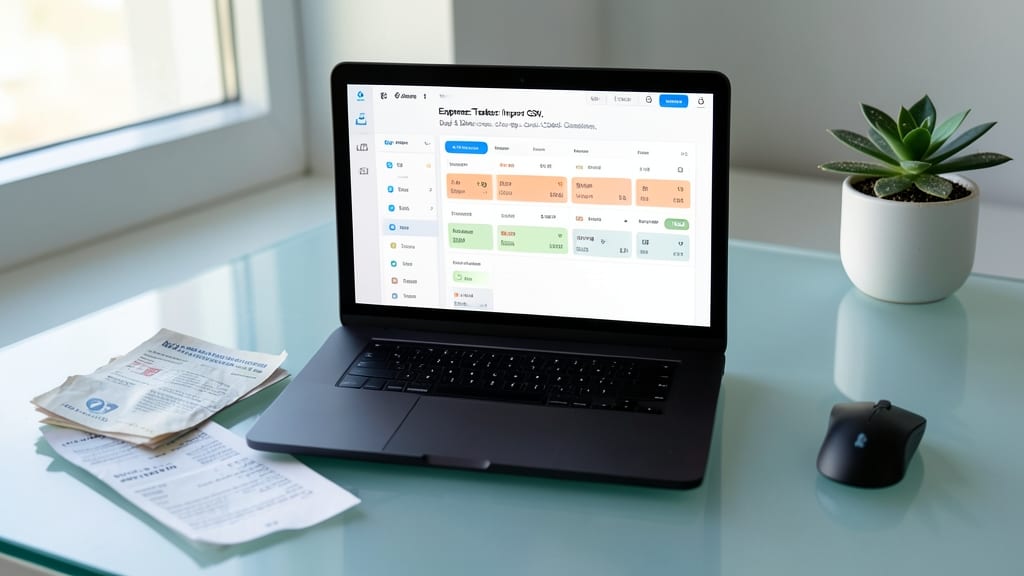
Running a small business on a budget? These 10 free Excel templates solve common productivity challenges—from invoicing to inventory—without requiring advanced spreadsheet skills or costly software subscriptions.
Small Business Invoice Template
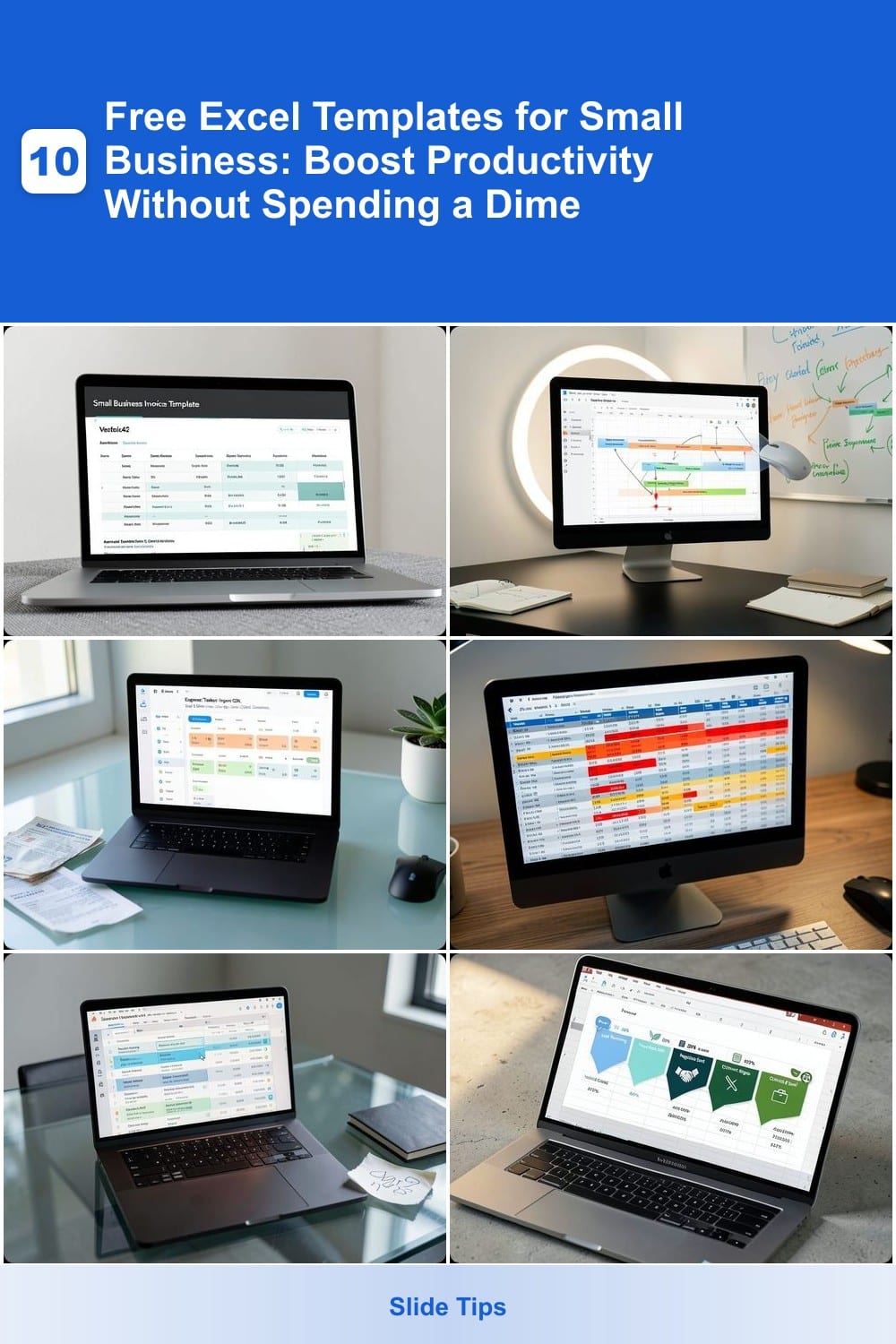
Tired of fumbling with generic invoices that look like they’re straight out of a 2005 spreadsheet? This Small Business Invoice Template from Vertex42 delivers a sleek, tax-ready design with built-in fields for service descriptions, rates, and automated tax calculations—no math errors here.
The template includes customizable branding sections (logo, colors, and fonts) so your invoices match your business identity, plus payment terms and due dates to keep clients on track. It’s fully compatible with Excel 2010 and later, so you won’t need to upgrade software to use it. Best of all, it’s free and ready to download in one click.
Perfect for freelancers, consultants, and service providers who want to look professional without hiring an accountant. Just plug in your details, hit send, and watch your cash flow improve. ✨
Project Management Timeline Tracker
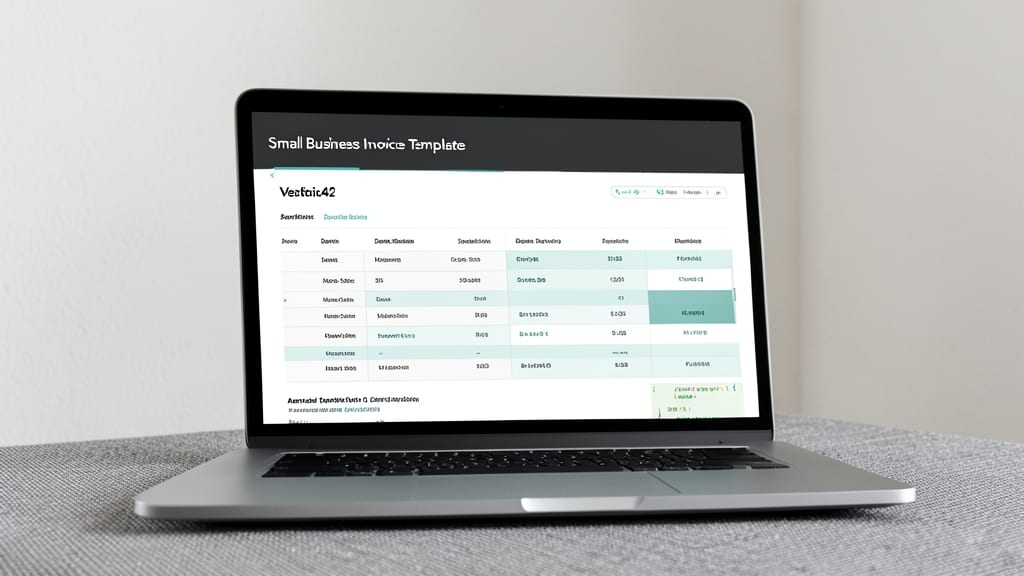
Juggling multiple projects as a solo entrepreneur? A Gantt chart-style timeline tracker keeps everything visible at a glance—no more missed deadlines or forgotten dependencies.
This color-coded Excel template lets you map out tasks, set deadlines, and visualize task relationships with drag-and-drop ease. Built-in progress bars and milestone markers highlight bottlenecks, while conditional formatting automatically flags overdue items. Best of all, it’s fully customizable for any project type—from website launches to product development.
Perfect for freelancers, consultants, or small teams managing multiple clients. Download it, tweak the colors to match your brand, and watch your productivity soar. ✨
Expense Tracker with Budget Categories
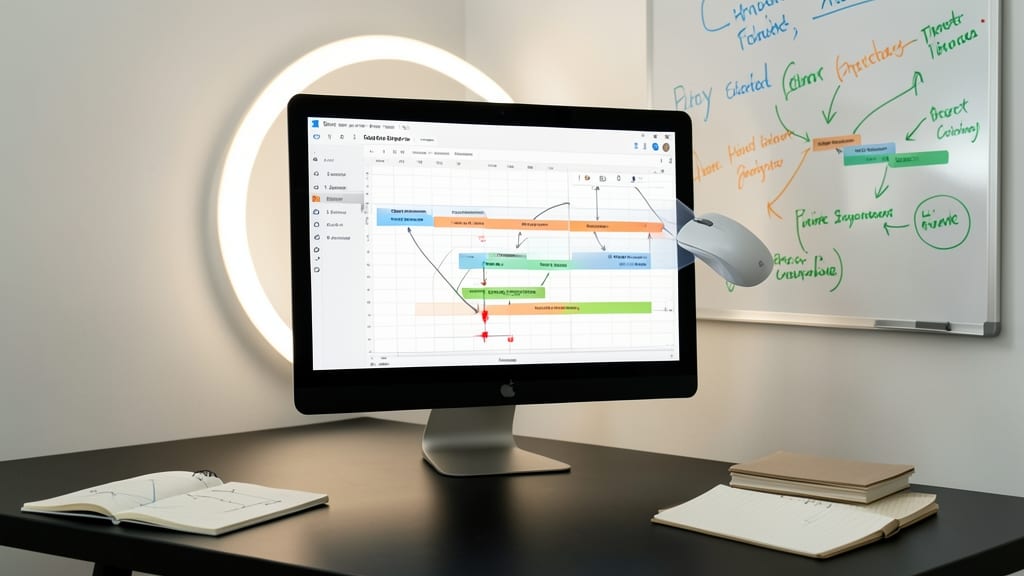
Tired of manually sorting receipts to spot overspending? This Expense Tracker with Budget Categories automates the process by letting you manually sync bank transactions (via CSV import) and categorize expenses in real time. No more guessing where your money went—just drag-and-drop transactions into predefined budget buckets like "Office Supplies" or "Marketing."
The template includes pre-built budget alerts that flag overspending in color-coded cells (green for on-track, red for over-budget) and generates monthly spending reports with pie charts. It’s designed for Excel 2016+, so you won’t need premium tools—just download, input your data, and let it do the heavy lifting.
Perfect for freelancers, consultants, or small teams who need to reconcile expenses without hiring an accountant. Just add your bank data once, set your monthly limits, and watch your financial clarity improve instantly. ⚡
Inventory Management Spreadsheet
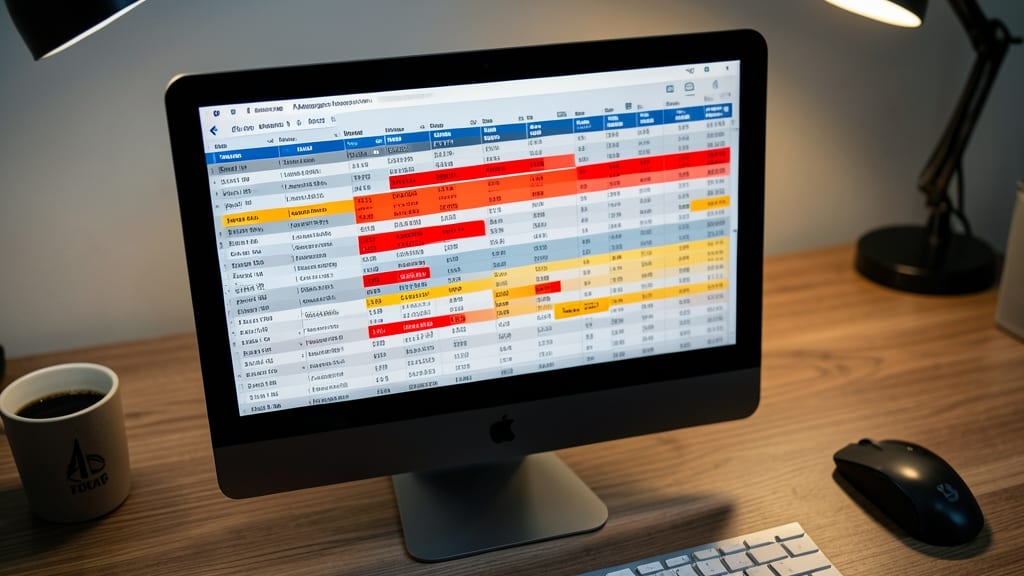
Running out of stock mid-sale is every retailer’s worst nightmare—but this inventory management spreadsheet turns chaos into control with real-time stock tracking and automated alerts.
Designed for e-commerce stores and small shops, it includes conditional formatting to flag low-stock items instantly, customizable reorder points, and supplier contact fields. The template even tracks product categories and sales velocity, so you can spot trends before they become problems. Best of all, it’s zero-config—just plug in your SKUs and start managing.
Perfect for solopreneurs selling handmade goods, Shopify stores with tight margins, or brick-and-mortar shops with seasonal inventory. No more guessing—just data-driven decisions. ✨
Client Contact Database Template
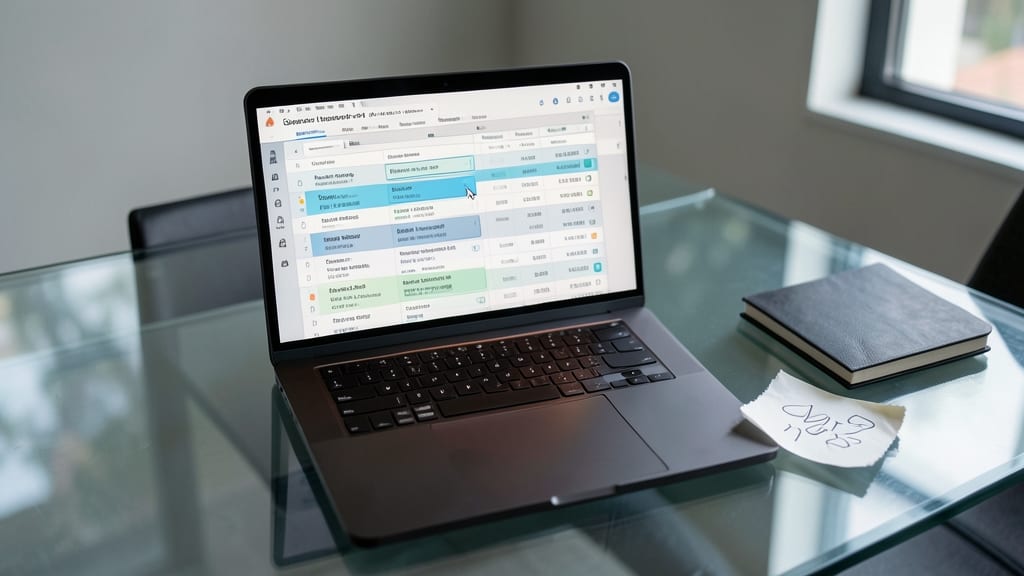
Tired of losing track of client details between emails and sticky notes? This searchable CRM-style template replaces scattered notes with a single, organized hub for all customer interactions—no fancy software required.
Built with Excel’s data validation tools, it lets you log contact info, purchase history, and follow-up notes in one place. The built-in sort/filter functions make finding past clients or tracking repeat orders effortless, while customizable columns (like "last contact date" or "next follow-up") keep your sales pipeline visible at a glance.
Perfect for solopreneurs or small teams juggling client relationships—ideal for service providers, e-commerce stores, or consultants who need to recall details instantly. 💻
Sales Pipeline Visualization Tool
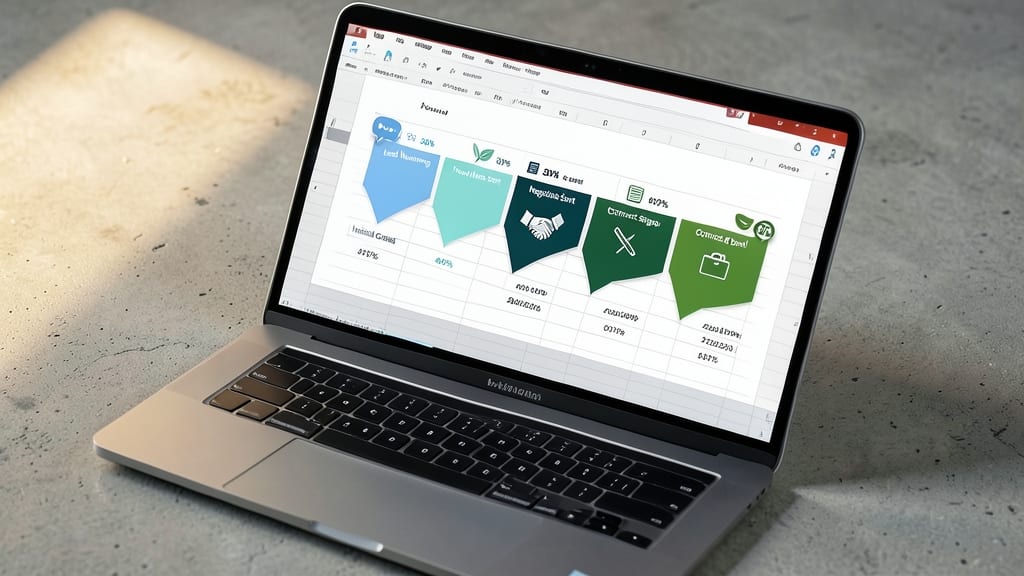
Turn raw leads into closed deals with this stage-based sales funnel template, designed to visualize your pipeline at a glance. Unlike generic CRM tools, this Excel-based solution maps every stage—from initial contact to closed deals—with percentage completion metrics to spot bottlenecks instantly.
Key features include color-coded deal stages, automated progress calculations, and customizable deal values to prioritize high-ticket opportunities. The template even includes a monthly pipeline health dashboard to track conversion rates and revenue potential. No complex setup—just plug in your leads and watch your sales process become crystal clear.
Perfect for solopreneurs and small sales teams who need visibility without the cost of enterprise software. 💡
Break-Even Analysis Calculator
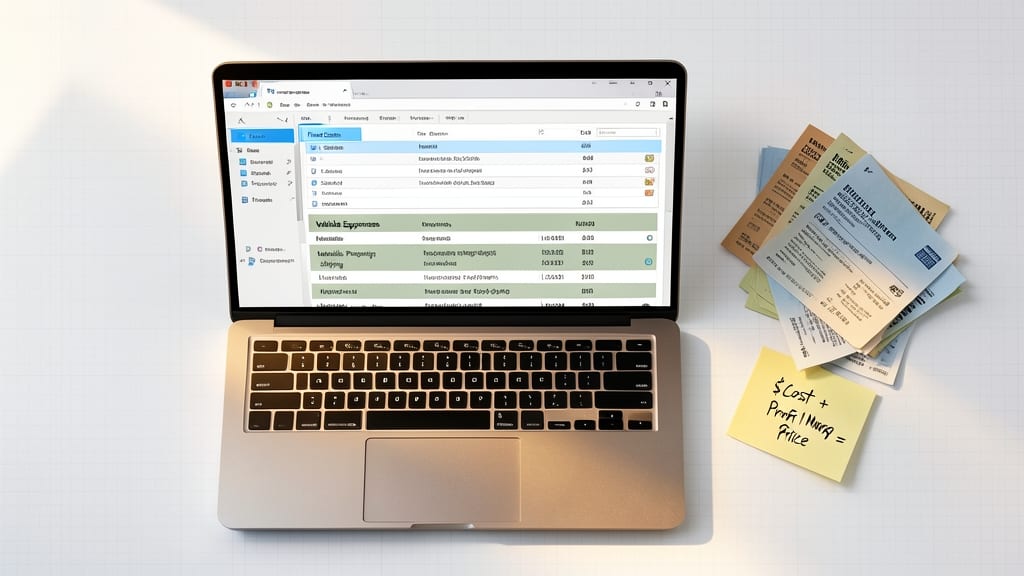
Struggling to price your products or services without guessing? A break-even analysis calculator turns your cost data into clear pricing insights—no accounting degree required.
This template simplifies complex math by letting you input your fixed costs (rent, salaries) and variable expenses (materials, shipping) to instantly calculate the exact sales volume needed to hit profitability. The built-in break-even point graph visualizes your profit threshold, while pricing scenario sliders help you test adjustments before committing. Compatible with Excel 2010+, it’s ready to use with zero setup.
Perfect for solopreneurs, e-commerce sellers, or service-based businesses testing new pricing models. Just plug in your numbers and let the template do the heavy lifting. ⚡
Employee Time Tracking Sheet
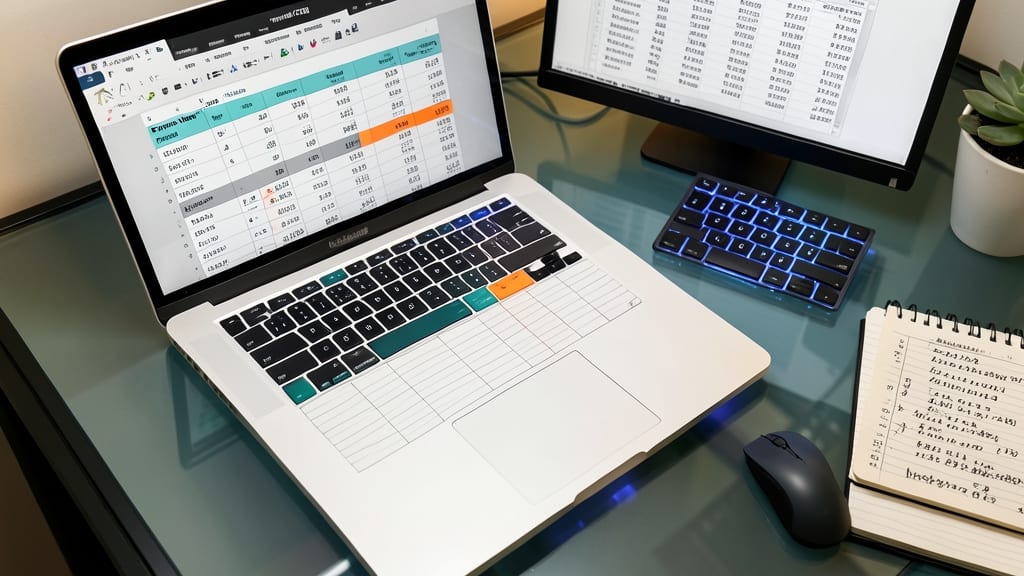
Managing payroll for remote teams just got easier—this hourly timesheet template automates overtime calculations and generates payroll-ready CSV exports in minutes. No more manual math or lost hours; the built-in formulas handle everything from standard to overtime pay, even across different hourly rates.
Designed for small businesses, it includes employee name fields, project tracking, and weekly/monthly summaries—all locked to prevent accidental edits. The CSV export integrates seamlessly with payroll software like QuickBooks or Gusto, saving hours of data entry. Plus, the color-coded overtime alerts flag when employees hit thresholds, so you can address it proactively.
Perfect for startups, freelance agencies, or any team juggling remote work—this template turns a tedious task into a zero-effort process. ⚡
Marketing Campaign Planner
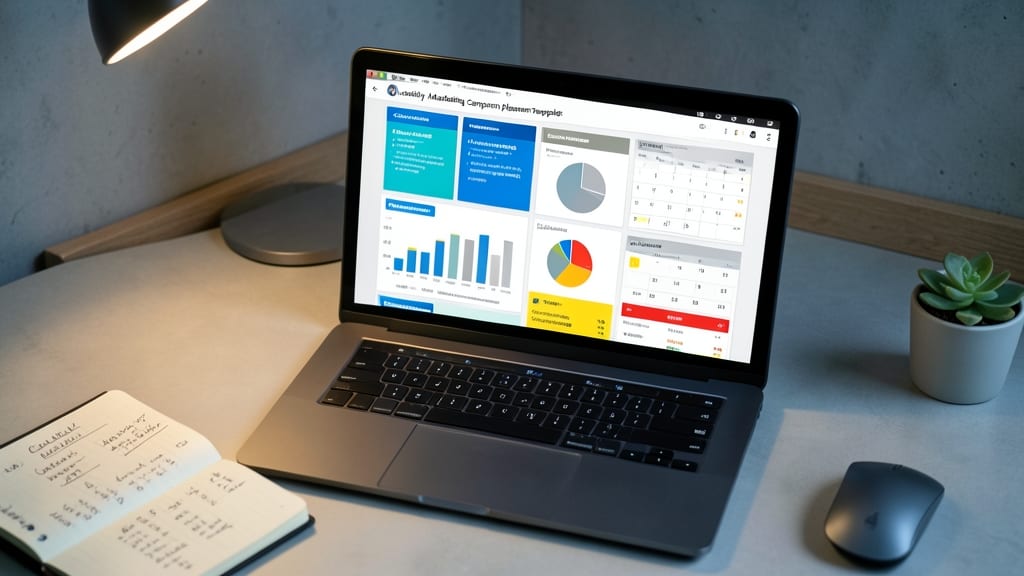
Tired of guessing which marketing tactics actually move the needle? This Marketing Campaign Planner turns chaos into data-driven decisions with a quarterly calendar that syncs social media, email, and ad campaigns in one place.
Track KPIs like click-through rates, conversions, and ROI per campaign type, with built-in budget allocation fields to avoid overspending. The template even includes a post-mortem section for each quarter to analyze what worked (and what didn’t) without digging through scattered notes. Perfect for solopreneurs juggling multiple strategies on a shoestring budget.
Ideal for freelancers, coaches, or small brands testing ads, newsletters, and organic posts—this planner cuts the guesswork so you can double down on what’s proven. 💡
Cash Flow Projection Template
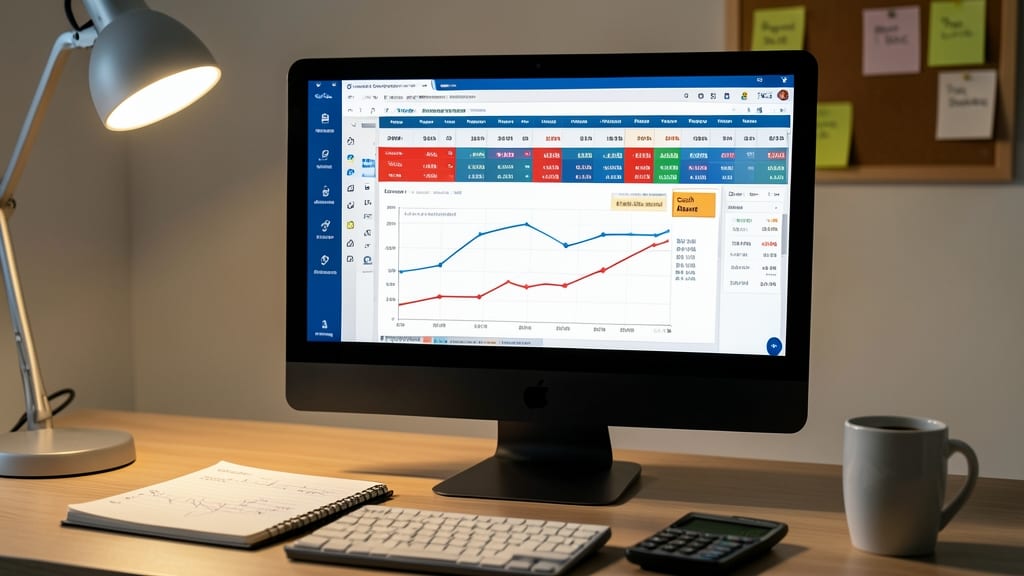
Worried about running out of cash before your next paycheck arrives? This 12-month cash flow projection template acts as your business’s financial crystal ball, flagging potential shortfalls months in advance. Unlike generic budget trackers, it’s designed to handle seasonal income swings and unexpected expenses—critical for freelancers, contractors, and seasonal businesses.
With monthly income/expense columns, a running balance tracker, and color-coded alerts for negative months, you’ll spot trends like overdue invoices or upcoming equipment costs before they derail your finances. The template even includes a 13th month for year-end projections, so you can plan for taxes or bonuses. Best of all, it’s Excel-compatible and requires zero coding—just plug in your numbers and let it crunch the data.
Perfect for solopreneurs or small teams without a dedicated accountant, this tool turns guesswork into actionable insights. Download it, tweak the categories to match your business model, and sleep easier knowing you’ve got a financial safety net. 💡