Skip to content
Slide Tips

Slide Tips

  • All Articles
  • App
  • Coding
  • Hardware
  • More
    • Operating System
    • Outlook
    • PowerPoint
    • Review
    • Software
    • Tip & Trick
    • Troubleshooting
    • Windows

All Recipes — Page 5

Adobe Shockwave Player Download Windows 10 64-Bit: Direct ISO Link for Full Offline Installation
November 20, 2026 by Wesley Zamora
Adobe Shockwave Player Download Windows 10 64-Bit: Direct ISO Link for Full Offline Installation

Downloading the Adobe Shockwave Player for Windows 10 64-bit requires the official ISO from Adobe’s legacy archives—here’s the direct link and why third-party sources risk malware. Legacy games and animations still rely…
Read more

Categories Windows

Lync for Windows 7 64-Bit: Direct Download for Legacy Systems

November 20, 2026 by Wesley Zamora
Lync for Windows 7 64-Bit: Direct Download for Legacy Systems

Finding the right download for Lync on Windows 7 64-bit isn’t as straightforward as it used to be—Microsoft retired it years ago, but I’ve tracked down the official archive link that still works. ⚡ The key is knowing…

Read more

Categories Windows

How to Add to Authenticator App: Step-by-Step Visual Setup Guide

November 20, 2026 by Wesley Zamora
How to Add to Authenticator App: Step-by-Step Visual Setup Guide

Adding accounts to an authenticator app is the first step toward locking down your digital life with real two-factor security. ✨ I remember setting up my first account back in 2012—back when we still printed paper…

Read more

Categories App

How To Install Certificate On Windows 10: Step-By-Step Visual Guide With Screenshots

November 20, 2026 by Wesley Zamora
How To Install Certificate On Windows 10: Step-By-Step Visual Guide With Screenshots

Installing certificates on Windows 10 used to be a headache I avoided for years—until I figured out the three simple paths that make it foolproof. 💡 The process differs slightly depending on whether you're using a .cer…

Read more

Categories Windows

How to Install Visio Plan 2: Step-By-Step Guide for Offline Setup

November 20, 2026 by Wesley Zamora
How to Install Visio Plan 2: Step-By-Step Guide for Offline Setup

Installing Visio Plan 2 is like unlocking a new toolbox for your diagrams—except this one comes with a subscription key that needs proper handling. I’ve walked through this exact process three times for clients who…

Read more

Categories Tip & Trick

Monitor Main Display Setup: Dual-Screen Sync in Minutes

November 20, 2026 by Wesley Zamora
Monitor Main Display Setup: Dual-Screen Sync in Minutes

Setting a monitor as your main display used to require wrestling with control panels and rebooting—until now. ✨ I’ve helped dozens of friends and clients switch their primary display in under five minutes, and the…

Read more

Categories Tip & Trick

How to Set up a Conference Call in Microsoft Teams with External Users: Secure External Guest Access in Minutes

November 20, 2026 by Wesley Zamora
How to Set up a Conference Call in Microsoft Teams with External Users: Secure External Guest Access in Minutes

Setting up a Microsoft Teams conference call with external users used to feel like navigating a maze—until I discovered the one-click guest access feature buried in admin settings. My first attempt last year took 45…

Read more

Categories Tip & Trick

How to Set Up a Meeting in Outlook: Calendar Invite Mastery With Time Zone Auto-Detection

November 20, 2026 by Wesley Zamora
How to Set Up a Meeting in Outlook: Calendar Invite Mastery With Time Zone Auto-Detection

Setting up a meeting in Outlook used to feel like navigating a maze—until I figured out the right path. My first time scheduling a team meeting across time zones left me scrambling with conflicting calendars, and I swore…

Read more

Categories Outlook

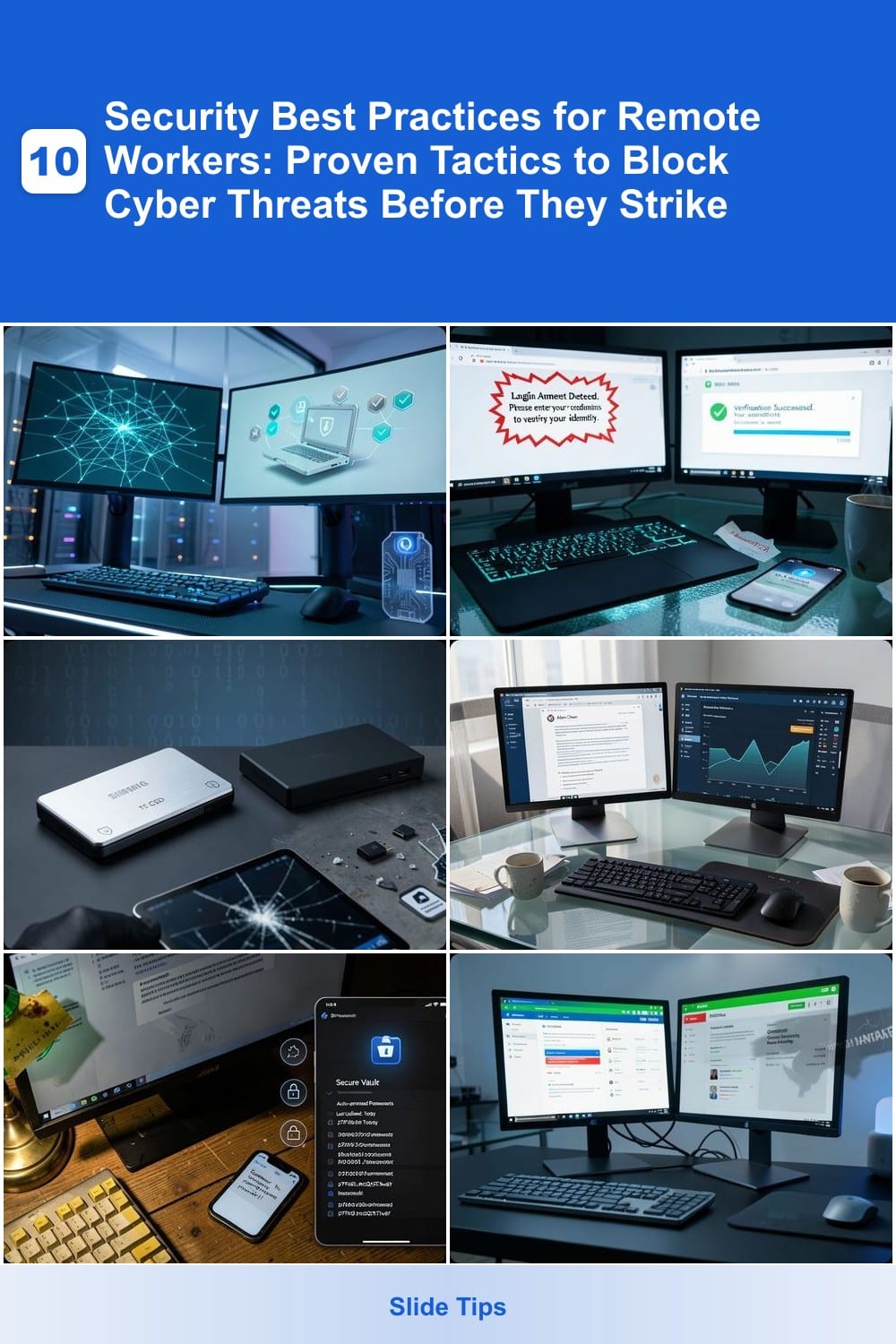
10 Security Best Practices for Remote Workers: Proven Tactics to Block Cyber Threats Before They Strike

November 20, 2026 by Wesley Zamora
10 Security Best Practices for Remote Workers: Proven Tactics to Block Cyber Threats Before They Strike

Remote work offers flexibility but exposes you to cyber threats like phishing, malware, and data leaks. These 10 security best practices—backed by IT experts—will help you create an impenetrable digital fortress at home…

Read more

Categories Tip & Trick

Turn Off Popup Blocker in IE 11: Quick Fix for Stubborn Browser Glitches

November 20, 2026 by Wesley Zamora
Turn Off Popup Blocker in IE 11: Quick Fix for Stubborn Browser Glitches

To turn off the popup blocker in IE 11 , you’ll need to dig past outdated menus—here’s the straightforward fix I’ve shared with frustrated users for years. ⚡ it looks, even when the option appears grayed out. The key is…

Read more

Categories Review
Page1…Page3Page4Page5Page6Page7…Page41Next →

About Me

Wesley Zamora

Wesley Zamora
My first computer was a clunky desktop with a dial-up connection that screeched like a banshee every time I tried to load a webpage. That machine taught me patience—and the fact that tech isn’t just about speed, but about solving problems in clever ways. Now, I run this site to cut through the noise and help people actually *use* technology, whether it’s fixing a stubborn Windows update or finally understanding why your Wi-Fi keeps dropping. Think of me as your friendly guide through the digital jungle—no jargon, just real answers.

Learn more

Recent Posts

  • X-Frame-Options SameOrigin: Security Risks and Corrective Headers
    X-Frame-Options SameOrigin: Security Risks and Corrective Headers
  • How to Set Up Outlook on Galaxy Watch 4: Step-by-Step Sync Guide
    How to Set Up Outlook on Galaxy Watch 4: Step-by-Step Sync Guide
  • How to Uninstall Microsoft Phone Link: Step-by-Step Guide for Complete Removal
    How to Uninstall Microsoft Phone Link: Step-by-Step Guide for Complete Removal
  • How to Remove Gridlines in Powerpoint: Instant Clean Slate in Seconds
    How to Remove Gridlines in Powerpoint: Instant Clean Slate in Seconds
  • How to Update Old Samsung Tablet to Latest Version: Step-by-Step Guide for Faster Performance
    How to Update Old Samsung Tablet to Latest Version: Step-by-Step Guide for Faster Performance
  • All Guides
  • About
  • Contact
  • Privacy Policy
  • Cookie Policy
  • Terms of Use
© 2026 slidetips.work